
Quick Start
Get from zero to your first bottle in a few minutes.
Create an Account
Click SIGN UP on the home page or go straight to whiskcur.com/app/register.
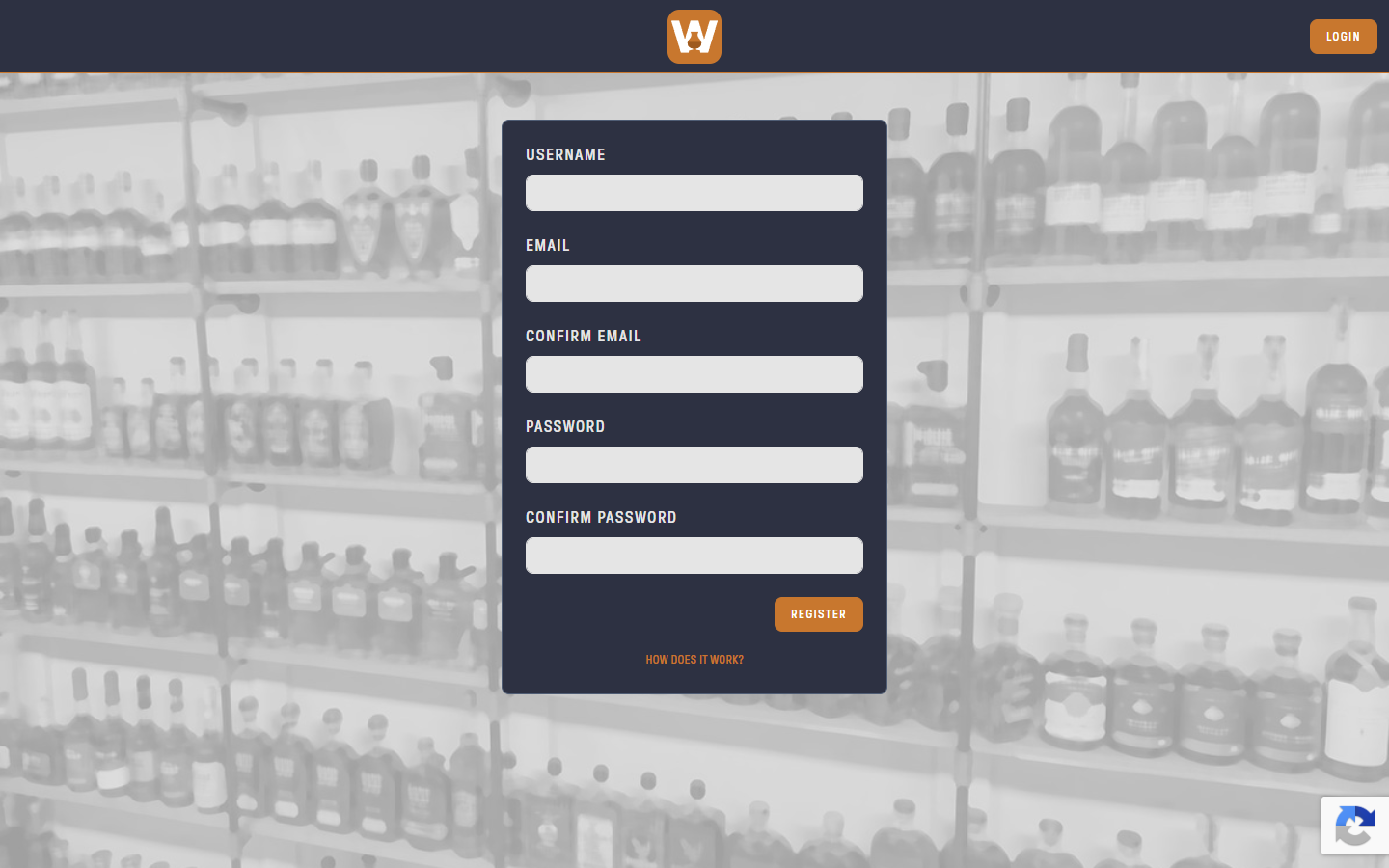
Fill in:
- Username: 2 to 64 characters, letters, numbers and underscores only. This is the name shown on lists you share.
- Email and Confirm Email
- Password and Confirm Password: at least 6 characters
Click REGISTER. Every new account starts on the free Basic plan. No credit card is needed.
Verify Your Email
WhiskCur sends a verification email as soon as you register. Click the verification link in that email to activate your account.
You can't log in until your account is verified. If the link has expired, the verification page offers a button to send a new one.
Log In
Go to whiskcur.com/app/login and enter your email or username and your password.
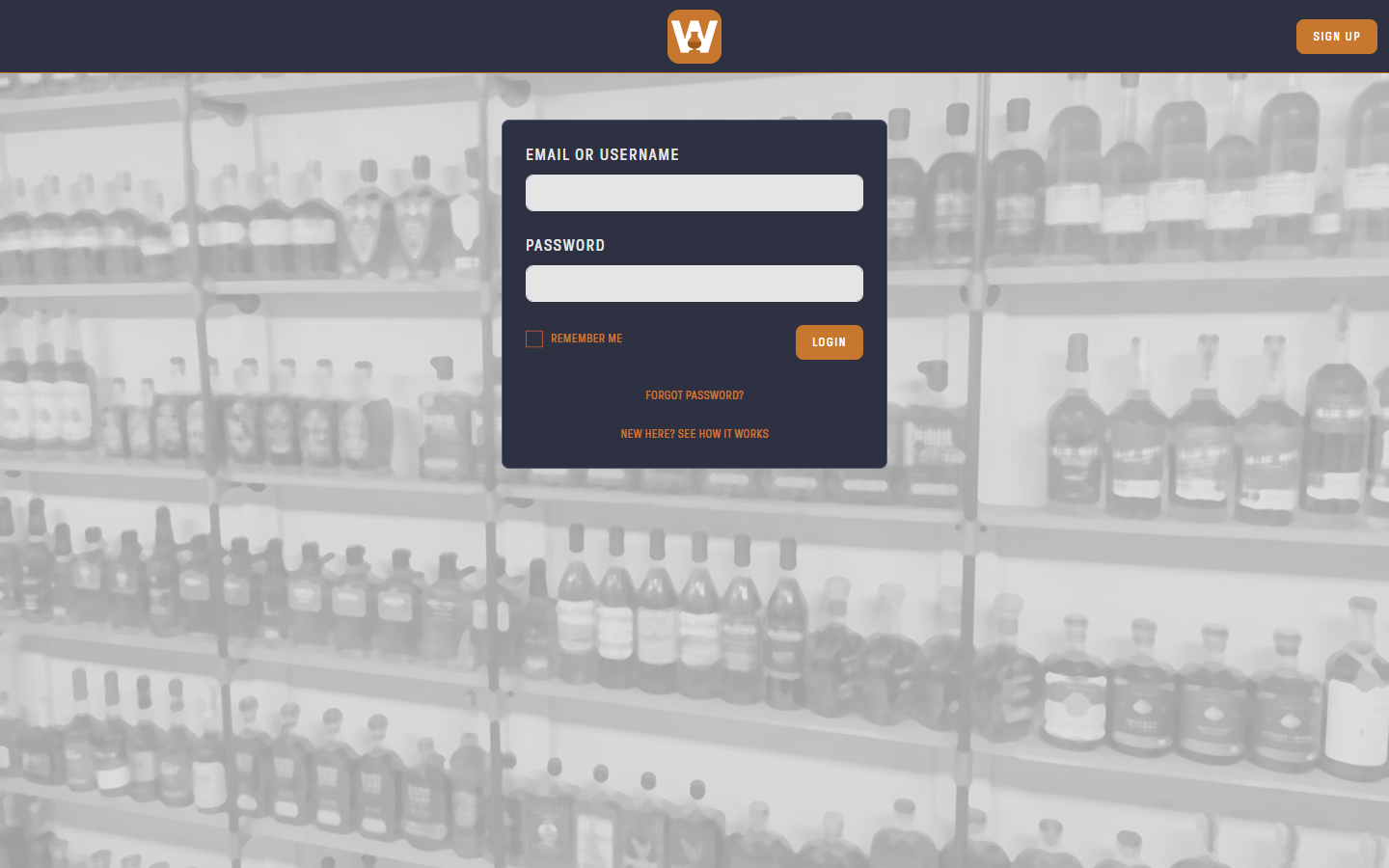
Check REMEMBER ME to stay logged in on this device.
After 3 failed attempts, login is paused for 30 seconds.
Forgot Your Password?
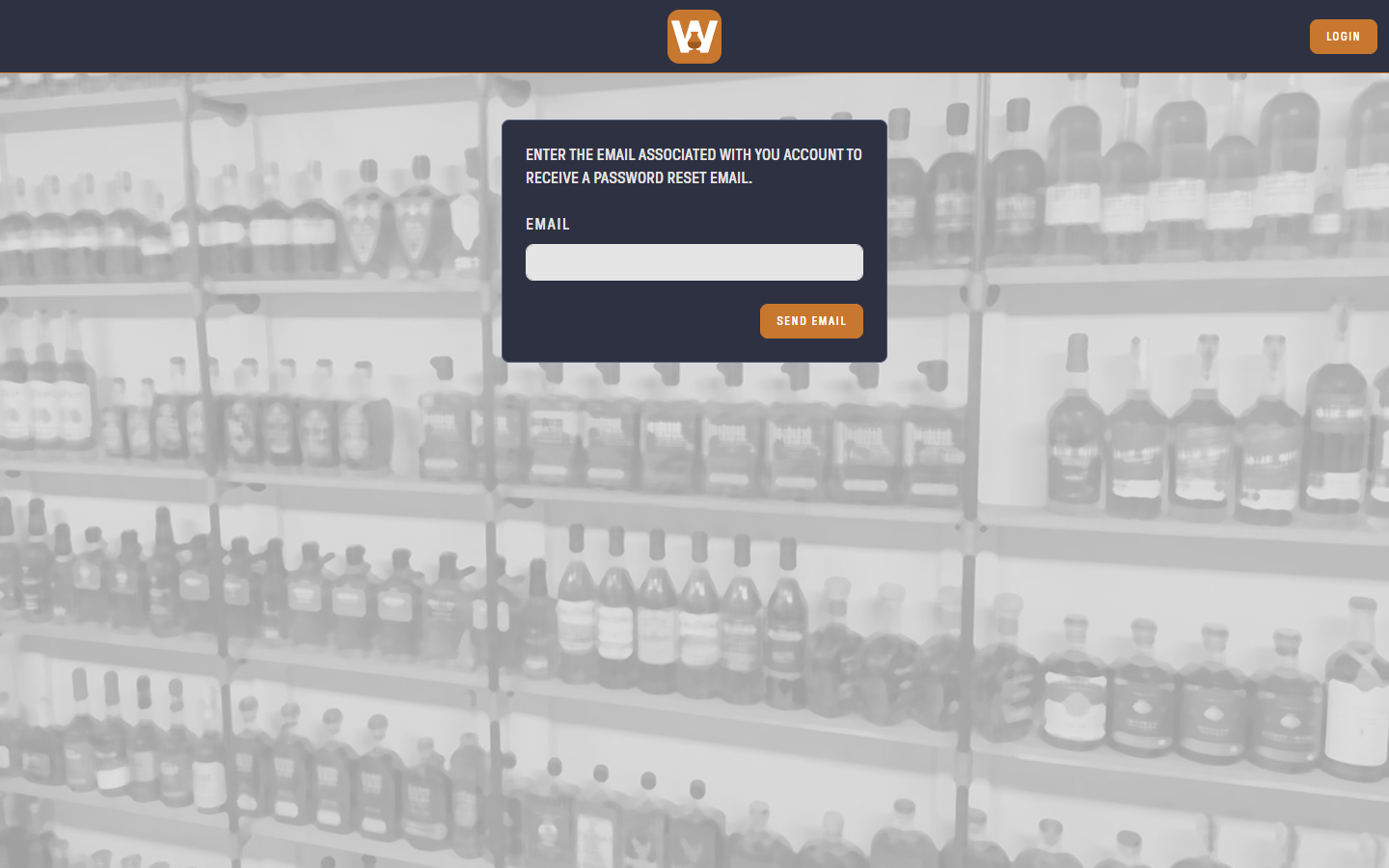
Click FORGOT PASSWORD? on the login page, enter the email on your account, and click SEND EMAIL. The email contains a link to choose a new password.
Add Your First Bottle
Once you're logged in you land on your collection. Click the orange + button in the bottom-right corner to add a bottle. See Your Collection for the details.